Freebies › For founders
Plan your landing page before you ask AI to build it
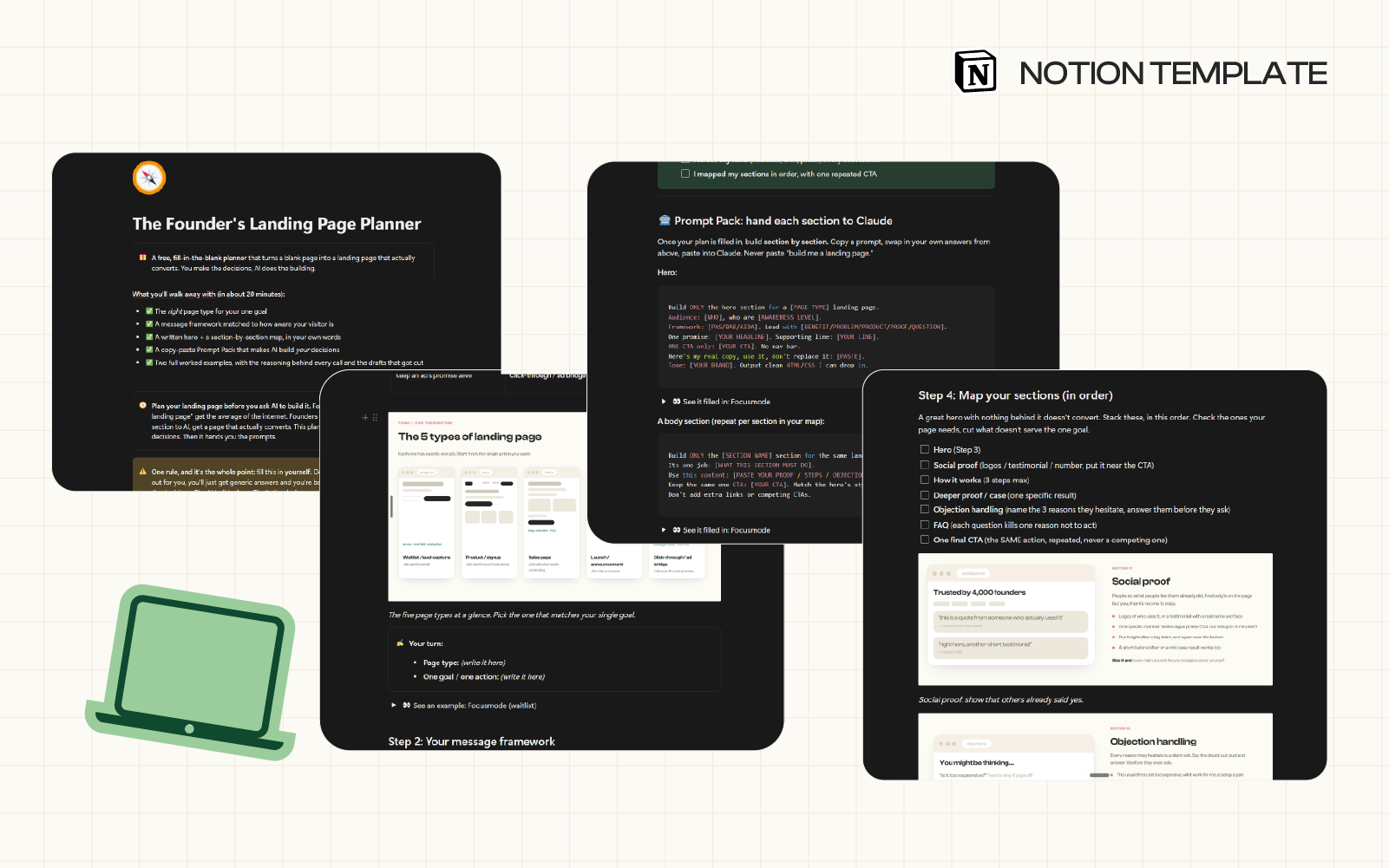
“Build me a landing page” gets you the average of the internet. This planner walks you through the four decisions first, then hands you a prompt pack so Claude builds your page, one section at a time.
Free. It opens on the very next page, no waiting on an inbox.
Why the prompt keeps failing you
AI is good at building a page and bad at deciding what the page should be. It doesn’t know your buyer or your one goal, so it guesses, and the guess is the average of every landing page it has ever read.
The fix isn’t a better prompt. It’s deciding first, then handing AI one section at a time.
Best if you’re…
- About to build your first real landing page
- Rebuilding one that gets traffic and no signups
- Using Claude or a no-code tool and getting generic results back
- On your ninth rewrite of the same headline
You’ll walk away with…
- The right page type for your one goal
- A message framework matched to your visitor
- A hero written in your own words
- A section-by-section map, in order
- A prompt pack that makes AI build your decisions
What’s inside
- Which of the 5 page types you need
- The message framework that fits your visitor (PAS, BAB, AIDA)
- A hero worksheet, so yours says something
- The sections founders skip, in order
- Wireframes for every page type and hero style
- A prompt pack, one Claude prompt per section
What you’ll need
- A free Notion account
- About 20 minutes
- Claude, or any chat model you use
- Honest answers about who you’re selling to
Two worked examples
Every step has an example you can open, and it shows the thinking, not just the answer. The headline that got cut and why. Which framework lost. Why one page needs four sections and another needs nine.
Who it’s for
Founders building their own page, with Claude, a no-code tool, or a developer who keeps asking what you want. Waitlist, product, sales, launch, ad bridge, all five are covered.
More on where the sameness comes from, on the blog.
Questions
Do I need to know how to code?
No. You make the decisions, the AI writes the HTML and CSS from your prompts. You paste it in and tweak.
Which AI should I use?
Any capable chat model. The prompts are written for Claude but work elsewhere. Just build one section at a time.
How long does it actually take?
About 20 minutes to plan. After that it’s one prompt per section, so it depends on your page. A waitlist page is four.
Can I use it for a client project?
Yes. Duplicate it per project and fill it in with your client, so everyone agrees on the plan before anything gets built.
What if I don’t have proof or testimonials yet?
Skip that section. Lead with a clear promise and a specific outcome, and add proof the moment you have it. The planner shows you where it goes.
What happens to my email?
You get the planner straight away, and you join The Thinker’s Blueprint, my newsletter on strategy and using AI as a thinking tool. I send a lot of free things like this one. One click to leave if it’s not for you.